
AIDE
Description
AIDE-IDE has emerged as a state-of-the-art and versatile IDE, enabling users to create Android apps on the go. AIDE is a comprehensive platform for developers of all levels, offering features like interactive coding lessons, a robust editor, real-time error detection, and support for Eclipse and Android Studio projects.
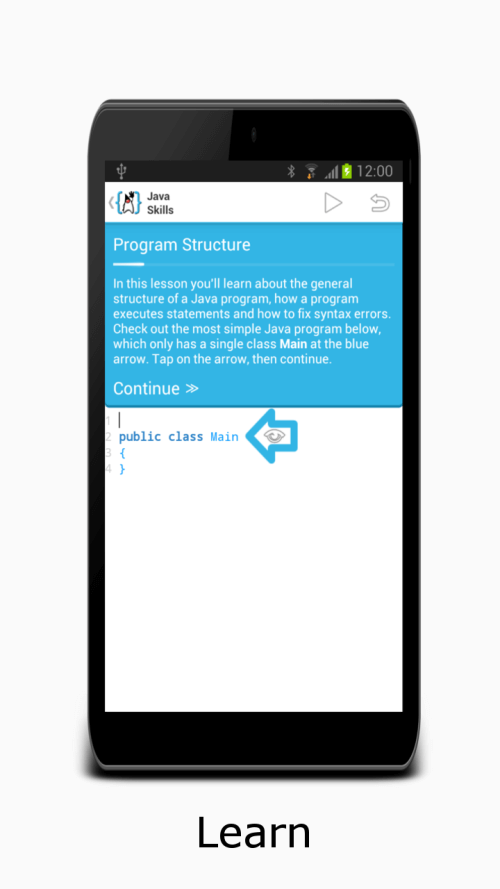
SKILL DEVELOPMENT INTERACTIVE LESSONS
The interactive courses in AIDE are among its most popular features, teaching users how to develop Android apps and write Java code from the ground up. These guides help users learn the basics of app development and apply that knowledge to their projects. The courses offer a comprehensive education on various topics, from game design to Android Wear.
 |
 |
 |
TRANSFORMING ANDROID DEVICES INTO INNOVATION HUBS
The AIDE app leverages the processing power of Android devices, converting tablets with keyboards into fully functional development workstations and mobile phones into handy coding platforms. The capability to view and modify code while on the move greatly enhances the accessibility and convenience of app development. AIDE's integration with Dropbox enables users to effortlessly synchronize their source code and maintain a seamless workflow.
SUPPORT FOR MULTIPLE LANGUAGES AND PLATFORMS
AIDE provides extensive language and platform compatibility, including Java/XML with the Android SDK, C/C++ with the Android NDK, and pure Java console applications. This interoperability allows individuals with varying skill sets and requirements to collaborate on the same projects. AIDE's compatibility with Eclipse and Android Studio projects ensures smooth transitions between these environments.
ESSENTIAL FEATURES AND TOOLS FOR DEVELOPERS
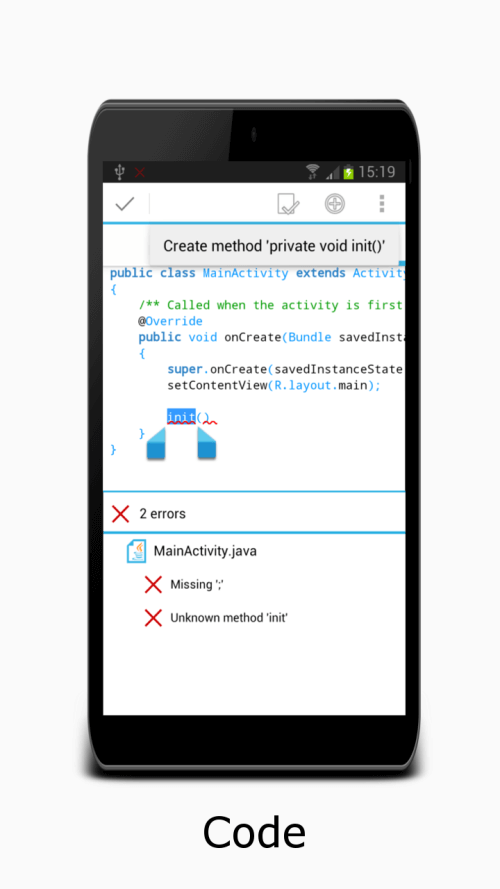
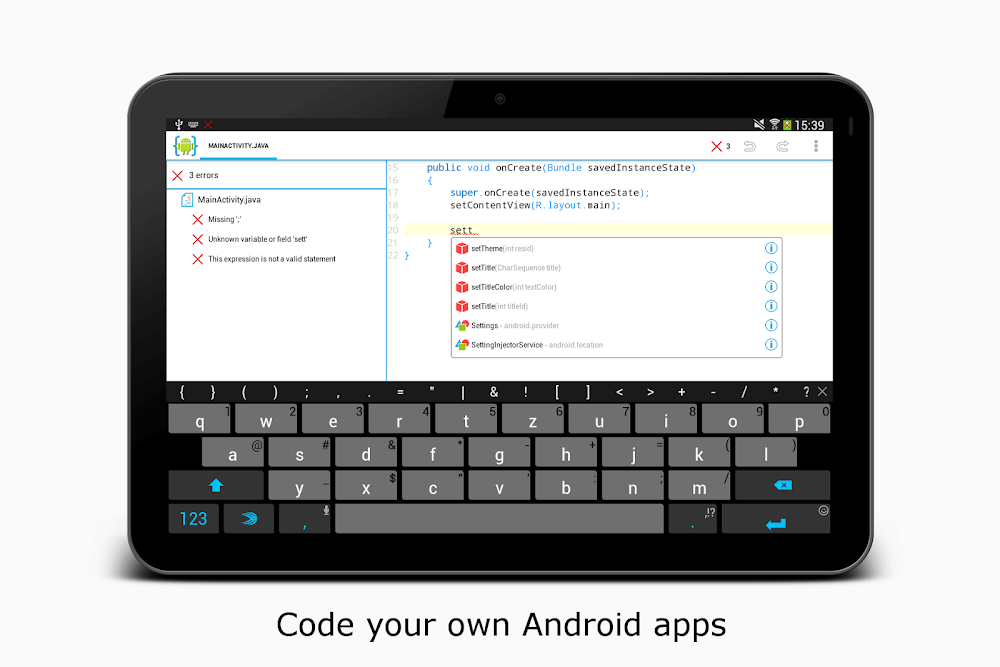
AIDE offers features and tools designed to simplify app creation. By upgrading to AIDE Prime or AIDE Premium Key, users can remove ads and access premium tools like the interface designer and debugger. The debugger allows for debugging Android Java and Java console apps, while real-time error checks and automatic quick fixes streamline the development workflow. Integrated file management, Git support, and Dropbox compatibility further simplify the development process.
A VARIETY OF EDITING TOOLS AND UI DEVELOPMENT OPTIONS
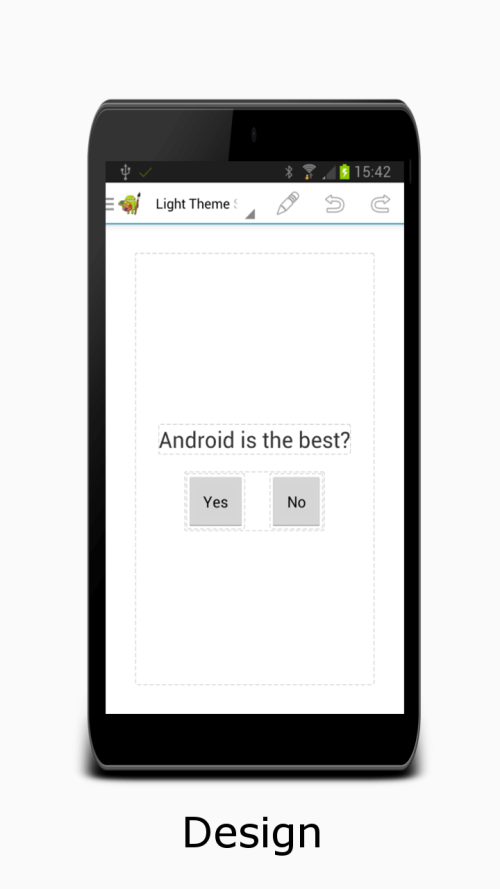
AIDE-IDE's powerful and fast editor enables users to quickly edit large files. It makes coding enjoyable with features such as syntax highlighting, unlimited undo/redo, and automatic code completion for Java and Android XML. The ability to preview XML layouts and swiftly navigate from the designer view to the XML element enhances the efficiency of the app development process.

Mod Features
App Information
| App Name | AIDE |
| Package Name | com.aide.ui |
| Version | v3.2.210316 |
| Last Updated | Mar 26, 2026, 04:52 PM |
| File Size | 40 MB |
| Publisher | appfour |
| Root Required | No |
Installation Guide
- 1. Download the APK file from the download button below.
- 2. If you have the original app installed, uninstall it first.
- 3. Go to Settings > Security and enable "Install from unknown sources".
- 4. Open the downloaded APK file and tap "Install".
- 5. Launch the app and enjoy all premium features for free.
Available Versions
Similar Apps You Might Like


