
DiscDj 3D Music Player
Description
DiscDj 3D Music Player - 3D Dj is an Android-compatible music player designed to make you feel like a real DJ. Dive into a virtual 3D world with this immersive music player! Featuring a three-dimensional user interface, a multitude of functions, and smooth transitions between songs, this app is perfect for both party DJs and regular, nonstop music play.

STEP INTO A VIRTUAL 3D DJ WORLD
Discover a user interface that resembles a 3D DJ machine set in a virtual space, allowing the machine to float in the air. Simply scroll to navigate this virtual environment and enjoy the breathtaking views of the DJ setup from various angles. In the upper-right corner of the screen, options to lock and reset the view are available, returning the camera to its initial position.
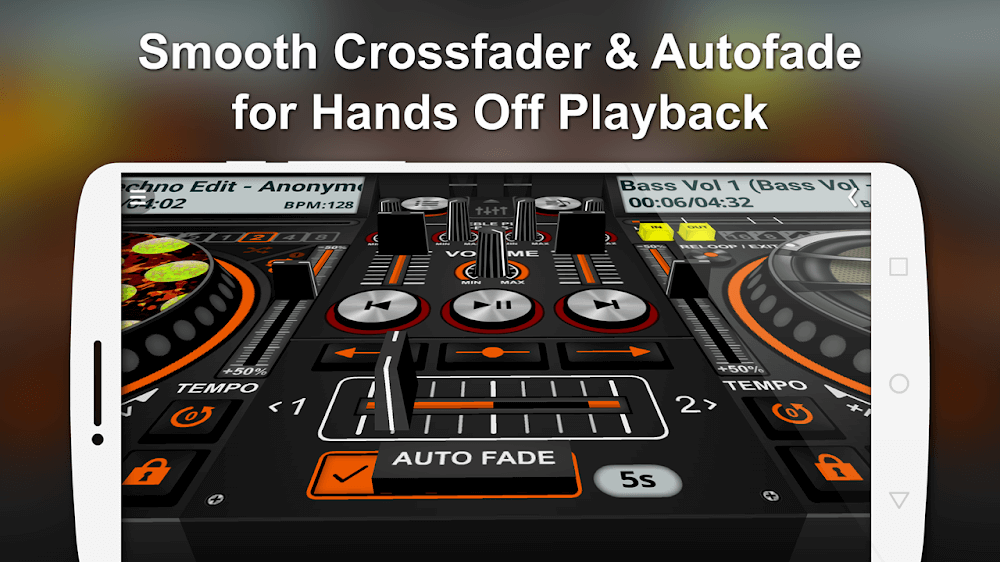
AUTHENTIC DJ CONTROLS AND FEATURES
DiscDj 3D Music Player includes features that replicate authentic DJ controls, such as discs displaying album art, central play/pause and next/previous buttons for both discs, and manual song shift sliders/crossfaders. These features are integrated within the player itself. Additionally, it offers an auto fade function with an adjustable timer, options to enable or disable it, and a button-click fade for seamless transitions between tracks.
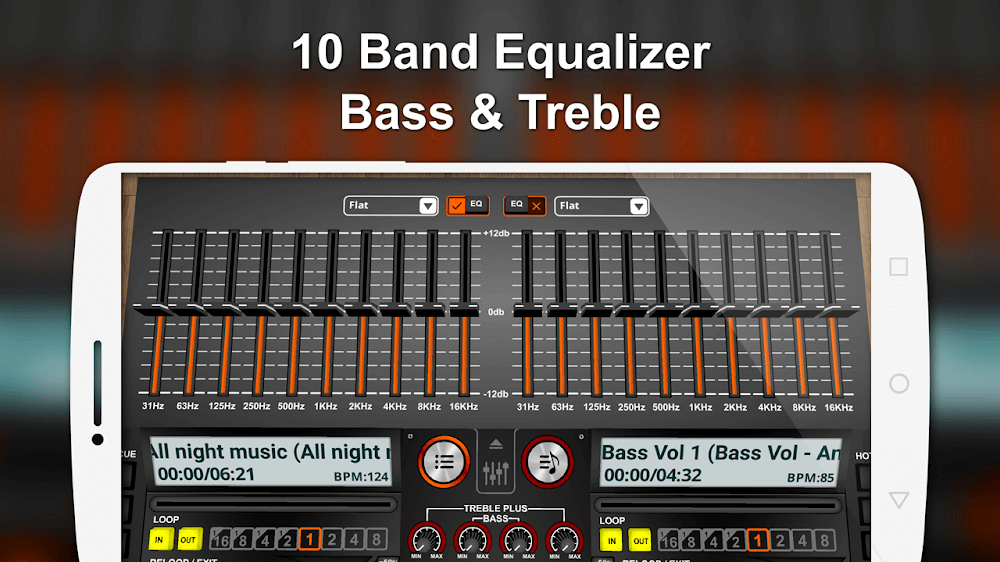
VAST MUSIC LIBRARY AND EQUALIZER OPTIONS
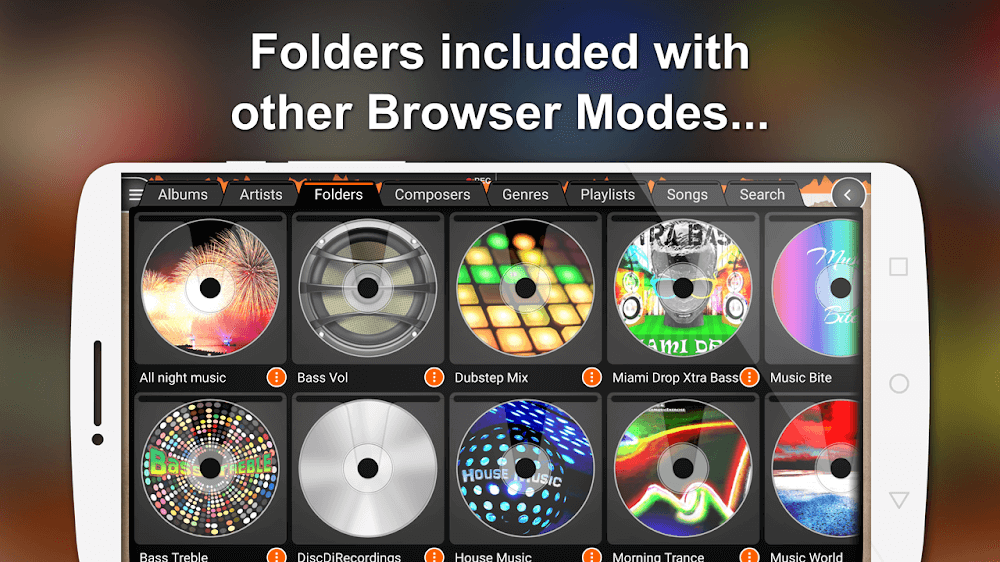
Browse your music collection and play tracks based on categories like albums, artists, folders, composers, genres, playlists, and more. Experience the first virtual DJ app equipped with a 10-Band Equalizer, supporting Android 2.3 and above devices, offering precise control and accuracy. Customize your listening experience by choosing from 17 built-in presets, including options such as Classical, Club, Dance, Full Bass, Full Treble, Headphones, and Techno.
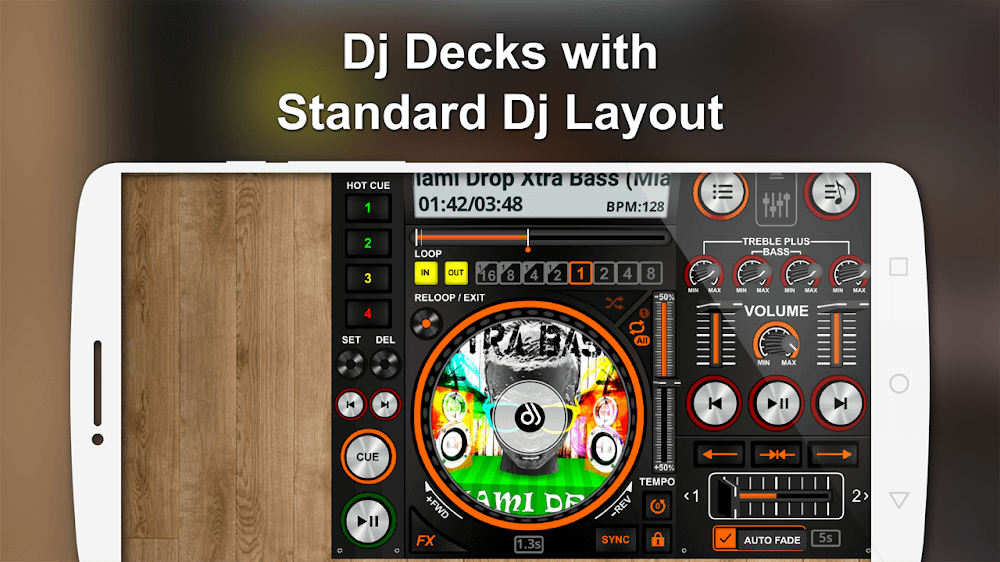
RECORD, EDIT, AND CUSTOMIZE YOUR AUDIO FILE
Let your creativity soar with the DiscDj 3D Music Player's Sampler Addon, featuring four different settings (Default, 808 Drum Kit, Drum Kit, and Rise n Drop), each with six sound samples and three play modes. Use the record function, located at the top-center of the app, to capture your live sets, mixes, and remixes. Enhance your mixing skills by adding sound effects, a pitch slider, low/high pass filters, BPM control, and 4 hot cues for each turntable or deck. Loop features and cue buttons offer further customization, while play and shuffle options adapt to your preferred listening style.
Mod Features
App Information
| App Name | DiscDj 3D Music Player |
| Package Name | com.oimvo.discdj |
| Version | vv12.2.0s |
| Last Updated | Mar 24, 2026, 06:04 PM |
| File Size | 16 MB |
| Publisher | GameG |
| Root Required | No |
Installation Guide
- 1. Download the APK file from the download button below.
- 2. If you have the original app installed, uninstall it first.
- 3. Go to Settings > Security and enable "Install from unknown sources".
- 4. Open the downloaded APK file and tap "Install".
- 5. Launch the app and enjoy all premium features for free.
Available Versions
Similar Apps You Might Like


