
Full Screen Caller ID
Description
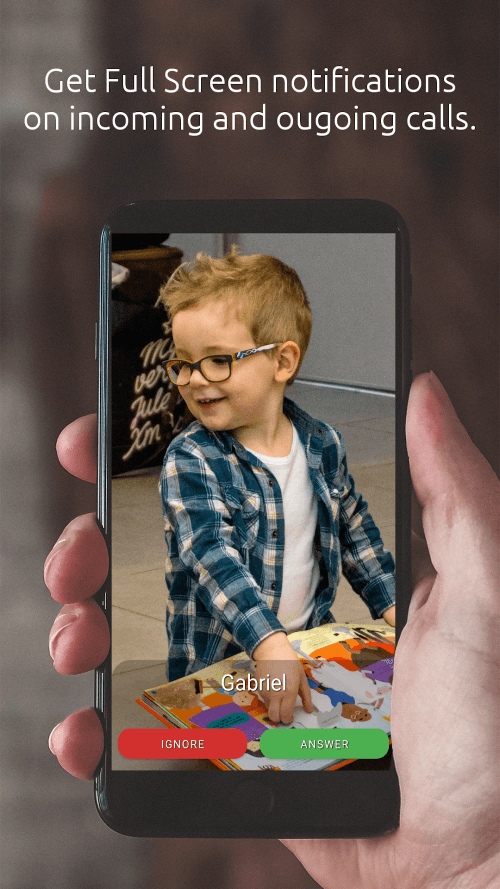
Full Screen Caller ID is a highly popular Android app with over 5 million downloads and more than 50,000 premium users. It serves as a replacement caller screen for Android devices, allowing users to customize the look and functionality of their phone's notifications for incoming, outgoing, and missed calls.
 |
 |
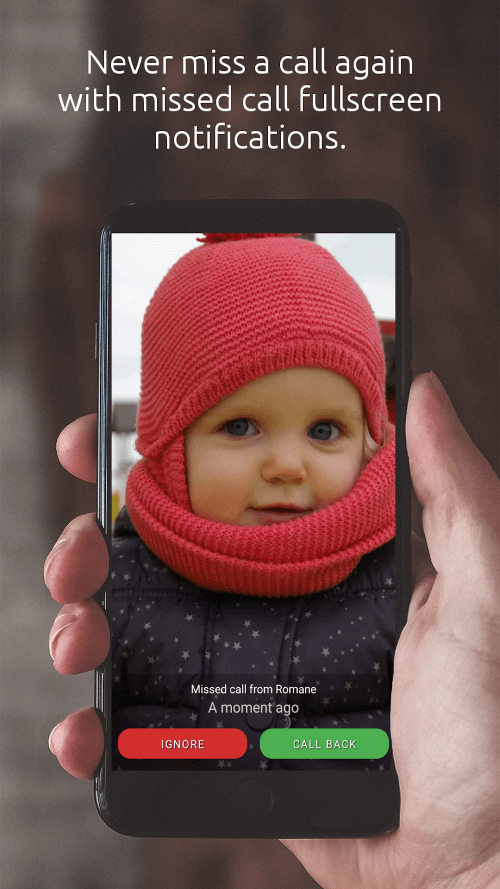
YOU WILL NEVER MISS A CALL IF THE NOTIFICATIONS OCCUPY THE ENTIRE SCREEN, AS THIS WILL ALERT YOU IMMEDIATELY
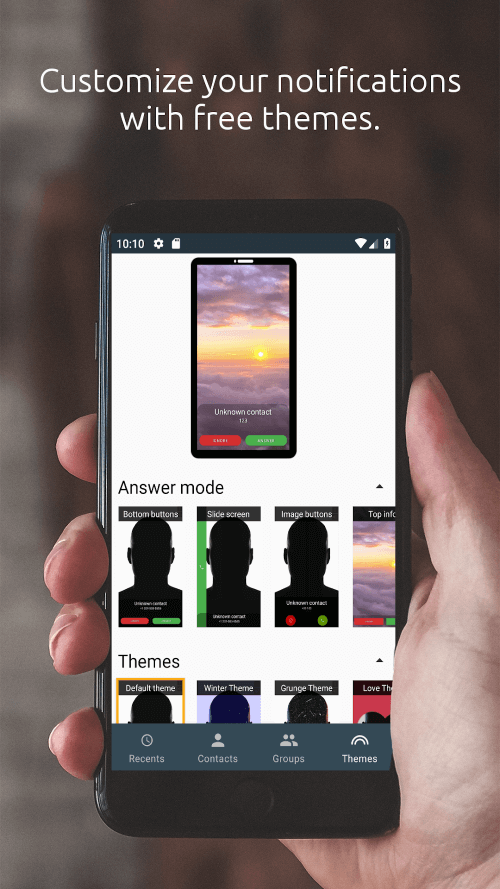
Some of the key features of Full Screen Caller ID include alerts for missed, incoming, and outgoing calls. This ensures users will never miss a call again, as notifications take over the full screen. Users can customize the color and text of buttons, upload photos from their camera or gallery, and play videos stored locally or in the cloud. Additionally, users can personalize the caller's display by adjusting the font, color, and size of notifications via the settings menu. Moreover, the app includes a text-to-speech function that can audibly announce incoming call numbers.
ANDROID COMPATIBILITY AND THEME SUPPORT ARE TWO UNIQUE FEATURES THAT DISTINGUISH IT FROM OTHER APPS
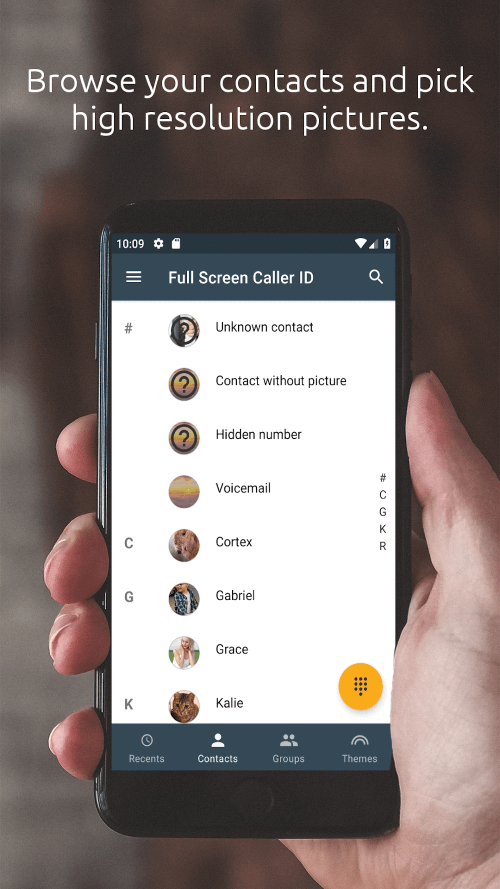
Full Screen Caller ID distinguishes itself from similar apps with its impressive array of features. Its compatibility with Android devices is one of its standout attributes. Users can easily identify callers by using photos linked to their contacts, which can be shared from any app on their Android device. Theme support further allows the app to be tailored to individual user preferences. Offering the option to answer calls by pressing buttons or sliding the screen enhances the user experience significantly. The app's backup and restore feature ensures users can keep their settings and photos secure. Additionally, the app includes a feature for blocking unwanted contacts and offers video caller ID capabilities.
 |
 |
 |
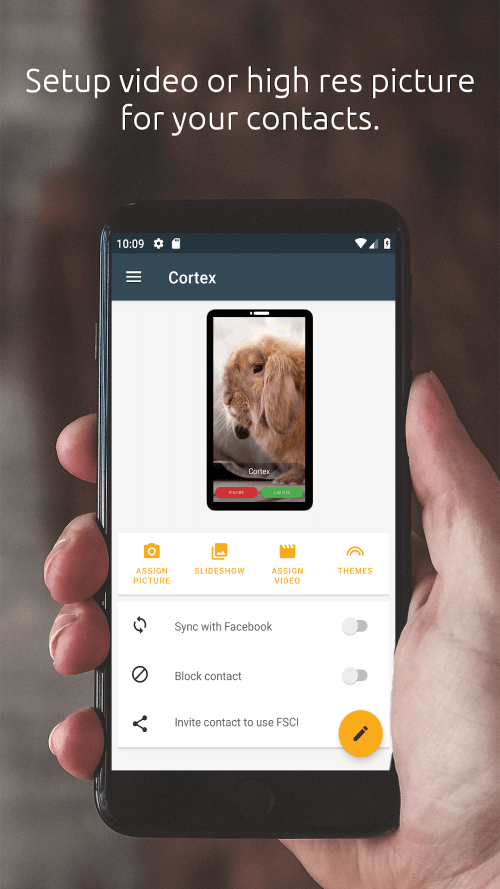
HIGH-DEFINITION (HD) PHOTOS CAN ONLY BE ASSIGNED THROUGH THE APP'S SETTINGS MENU
Once the application is downloaded and installed, users can immediately start using Full Screen Caller ID due to its user-friendly design. However, users must assign high-definition photos to their contacts when using this feature to avoid displaying blurry full-screen images. The default app on Android devices for managing contacts does not support the assignment of high-definition photos.
Mod Features
App Information
| App Name | Full Screen Caller ID |
| Package Name | com.androminigsm.fscifree |
| Version | v17.0.56 |
| Last Updated | Mar 18, 2026, 03:18 PM |
| File Size | 15 MB |
| Publisher | Christophe Nys EURL |
| Root Required | No |
Installation Guide
- 1. Download the APK file from the download button below.
- 2. If you have the original app installed, uninstall it first.
- 3. Go to Settings > Security and enable "Install from unknown sources".
- 4. Open the downloaded APK file and tap "Install".
- 5. Launch the app and enjoy all premium features for free.
Available Versions
Similar Apps You Might Like


