
Podkicker Pro
Description
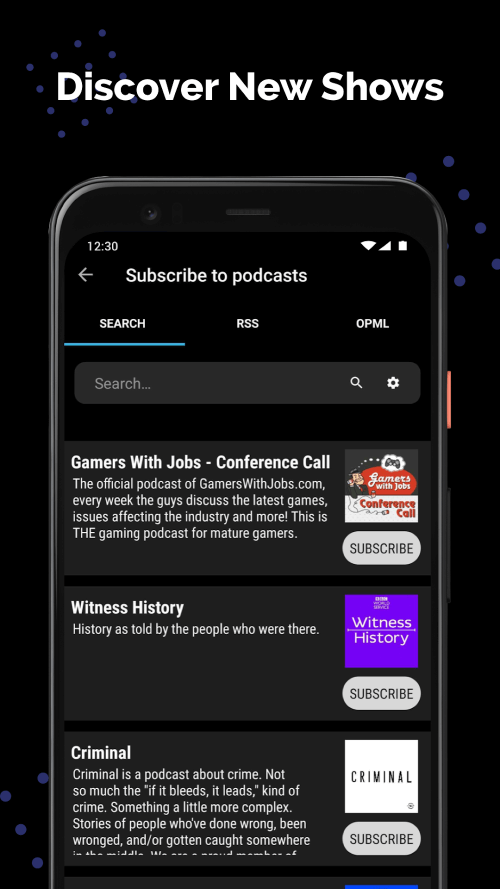
This straightforward app provides an endless variety of podcasts for both online and offline listening, covering topics from education to sports to music. Podkicker Pro enables you to search, subscribe, and add RSS feeds to your preferred podcasts. It also offers several customizable settings and automation features to enhance your podcast listening experience.
USER-FAVORITE FEATURES
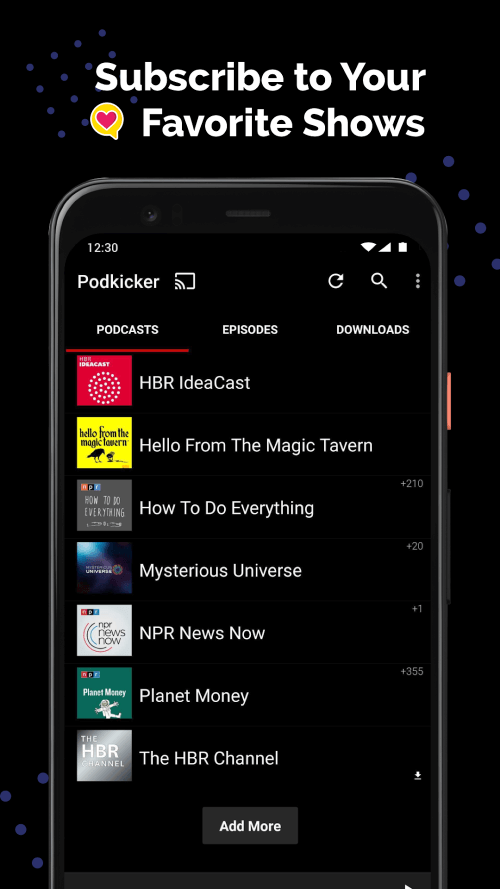
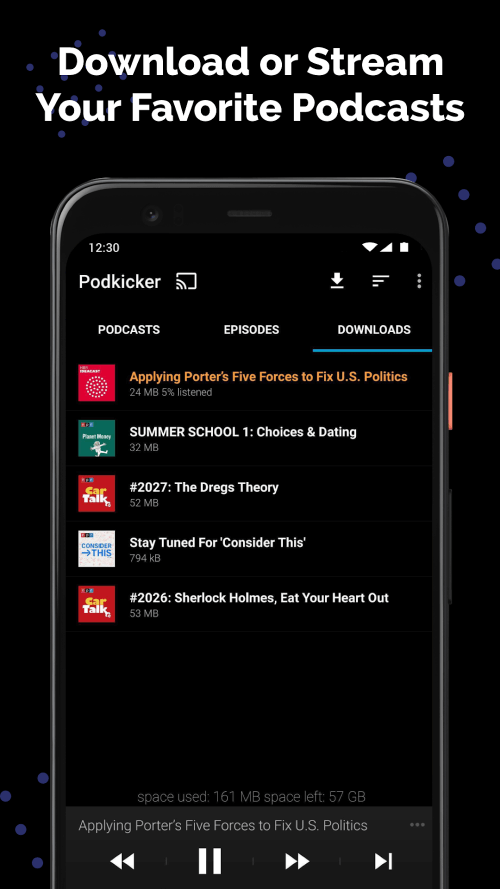
Subscribing to your favorite shows and automatically downloading new episodes is Podkicker Pro's standout feature. You'll receive notifications for new podcast episodes, ensuring you never miss them. Add your RSS feed to the search engine for additional content. Offline access allows you to enjoy your favorite podcasts without an internet connection. The sleep timer feature automatically turns off the app after a specified time, letting you fall asleep to podcasts without draining your battery. It supports batch operations and automation. Chromecast, playlist, storage, and backup settings let you tailor your podcast experience.
 |
 |
PERSONALIZED SETTINGS
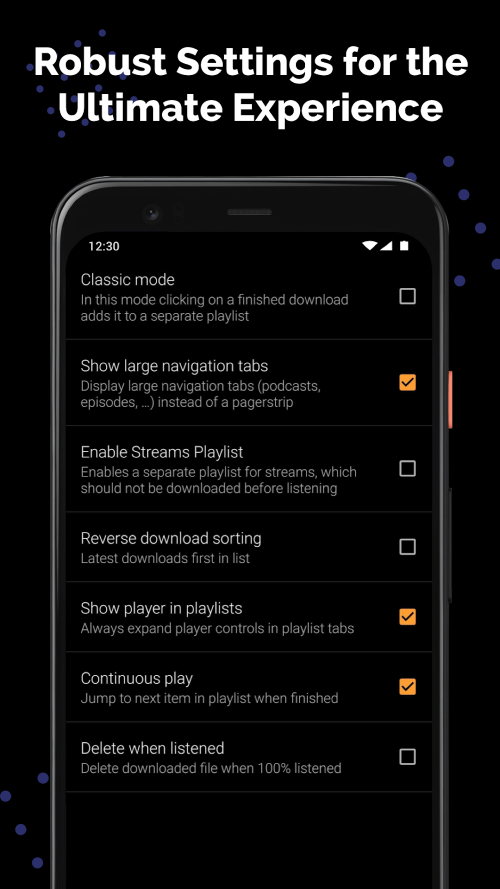
Podkicker Pro's customizable settings elevate your podcast listening experience. Classic mode allows you to create a playlist for recently downloaded episodes, and reverse download sorting prioritizes them. Display the player in the playlist to always have player controls expanded on the Playlist tab. Continuous play mode automatically skips to the next episode in your playlist when one finishes. The app offers customizable settings to tailor your listening experience. Wifi-only mode allows offline app use and prevents mobile data transfers, conserving data. In the Downloads tab, you can view disk usage. When headphones are connected, it resumes paused audio.
AUTOMATION AND BATCH OPERATIONS SIMPLIFY LISTENING.
Podkicker Pro automates and batches podcast management to streamline listening. The app refreshes upon startup to check for new episodes. It automatically checks for new episodes when charging. Refresh intervals can be set from hourly to every eight hours. Automation continues beyond this. It enables automatic downloads and notifications for new podcast episodes after refreshing. You can disable automatic downloads when not connected to wifi, during low battery, or when not charging.
CONTROLLED CUSTOM SETTINGS
Podkicker Pro's customization options make it excellent for podcast listening. You can modify player controls from next/prev to fwd/rwd. You can choose the number of seconds to skip when using forward or rewind. It also includes battery-saving features. Disable automatic downloads when your battery is low. Additionally, you can prevent automatic downloads when your device is unplugged using the power required setting.
 |
 |
Mod FeaturesFull Version
App Information
Installation Guide
Available Versionsv3.8.1 - Full
Podkicker Pro · 28 MB
Full Version
Similar Apps You Might Like
AutoTagger
Sergey Chuprin · v3.3.5

Synced Lyrics Editor
Angolix · v25.7.7

doubleTwist Pro Music Player
doubleTwist ™ · v3.5.4

Poweramp
Max MP · v1020

Bass Booster Pro
HowarJran · v5.1.2

Shortwave Radio Schedules
Stephen Cooper · v7.5.0

SpotEQ31 - 31 Band Equalizer
Leanderoid Development - Audio & Productivity · v3.2

RadioNet Radio Online
Point.56 · v5.18.4.1

Music Player - MP3 player
Eco Mobile Editor · v4.0.36

Music Player-Music, Mp3 Player
iMediaStar · v3.7.6

TUNIC OnlyPure Piano Tuner
TUNIC Software GbR · v1.4.1

Chillout & Lounge music radio
Maxim Kabluka · v6.3.1
Podkicker Pro
v4.8.0(2089) · 28 MB
Full Version
v3.8.1 - Full
28 MB · APK
Download APK
Safety Verified
Scanned before publication
No malware detected
No root required
What's Unlocked
Full Version
|