
SwiftScan
Description
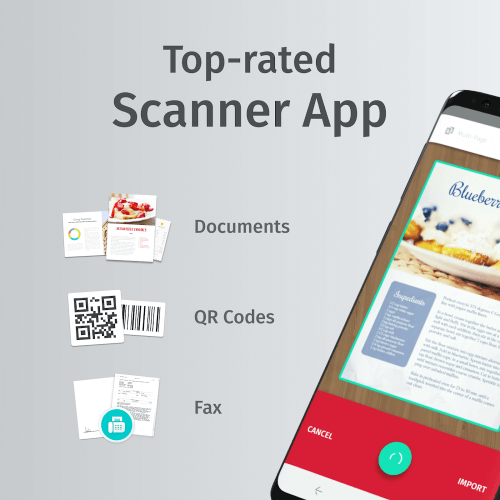
SwiftScan is a versatile and efficient mobile scanner that enables users to duplicate any physical objects they scan. This includes a wide range of physical documents, papers, data, charts, and more with remarkable precision and quality for simpler compression. Additionally, the app can scan QR codes and related encrypted codes to reveal the information or data hidden within them.
EASY SEQUENCES FOR SCANNING SPECIFIC CONTENT
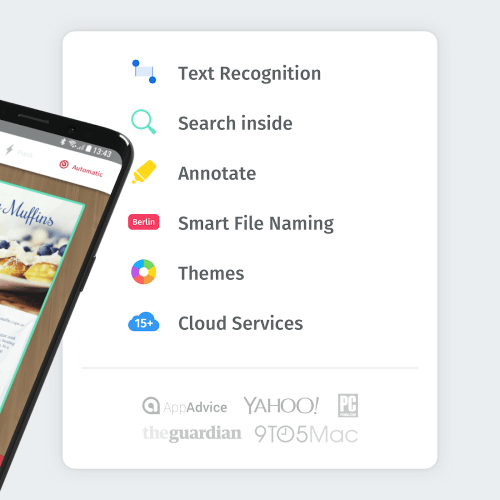
Once SwiftScan is installed on your mobile device, you can quickly and easily scan documents by simply positioning them over the camera and taking a photo. The app leverages the OCR engine with outstanding performance and behavior to provide users with accurate information and copies of anything scanned. After capturing an image, the application will crop it and adjust the colors as necessary to enhance the quality of the result. Your scanned document can be saved as a PDF or JPEG file in seconds and stored in your device's memory for quick access later.
 |
 |
EXCELLENT SECURITY FOR YOUR DATA SAFETY
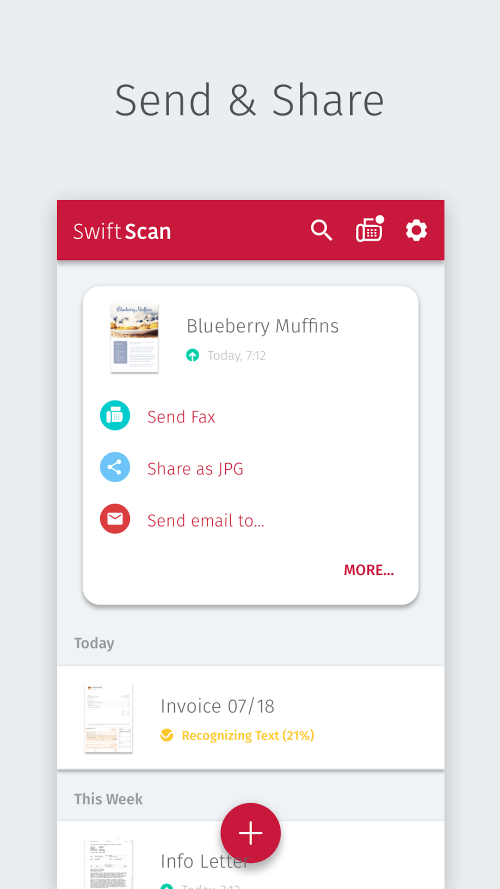
Unlike other apps, this scanner prioritizes user confidentiality, ensuring that nothing will be leaked or exposed if there is an issue with the server. Your files will never be stored or used for any purpose, and this is a promise made by the app so users can easily save their documents or scanned content to their cloud storage or device's memory. Every stage of document handling can be completed on your local device or through the cloud service you choose, ensuring your documents are safer than ever.
EXCELLENT QUALITY AFTER THE SCAN
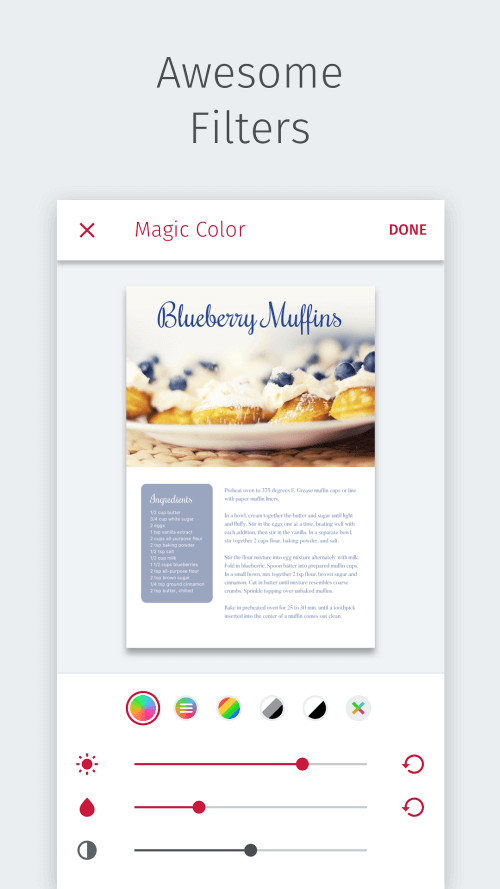
SwiftScan incorporates advanced scanning technologies used to scan various types of documents. The scan resolutions begin at 200 dpi, comparable to the levels offered by high-end desktop scanners. You can enhance the overall quality of your scans using various color settings, automated optimization, and blur reduction tools available. However, the automatic settings guarantee users always achieve the best scan quality for anything they wish to digitalize.
SCAN ANYTHING FAST AND QUICK
Using SwiftScan, the document scanning process is swift and straightforward. You can quickly scan and save an item as a PDF or JPG on your device by simply positioning your camera over the object to be scanned, such as a piece of paper, a receipt, a whiteboard, or a QR code. The edges of the document are automatically detected, focusing the scan on the actual content of the page. It captures the moment when perfection is at its peak, which is when the image is taken.
 |
 |
Mod FeaturesPremium Unlocked
App Information
Installation Guide
Available Versionsv10.7.0 - Mod
SwiftScan · 100 MB
Premium Unlocked
Similar Apps You Might Like
Camera Translator
App_Evolution · v2.6.5

Easy Voice Recorder Pro
Digipom · v2.9.4

Vpnly
Free VPN Unlimited AG · v1.1.3

Ruppu - notes, todo list, task
Sangiorgi Srl · v1.5616

Word Office: Docs Reader
Galaxy studio apps · v2.1.0

Mobizen Screen Recorder
MOBIZEN · v3.10.17.5

Lock My Phone (Zen Mode)
Thomas Kahn · v2.1.9

TrackIt: Study Tracker & Timer
vinztech.app · v1.5.1

Habit Tracker - TickOff
vinztech.app · v1.1.7

everyday Habit Tracker
Everyday Growth SL · v3.9.4

AI Chat : Chatbot & Assistant
Starnest JSC · v106.0

PDF Reader - All PDF Tools
Future Tools · v27.0
SwiftScan
v10.7.0(705) · 100 MB
Premium Unlocked
v10.7.0 - Mod
100 MB · APK
Download APK
Safety Verified
Scanned before publication
No malware detected
No root required
What's Unlocked
Premium Unlocked
|