
iOS Widgets
Description
iOS Widgets is a unique and intriguing application designed for iPhone enthusiasts. If you own an Android smartphone but find the interface too mundane, this application is tailored for you. It offers a delightful experience by transforming your device to mimic the iPhone interface, along with providing numerous useful tools.
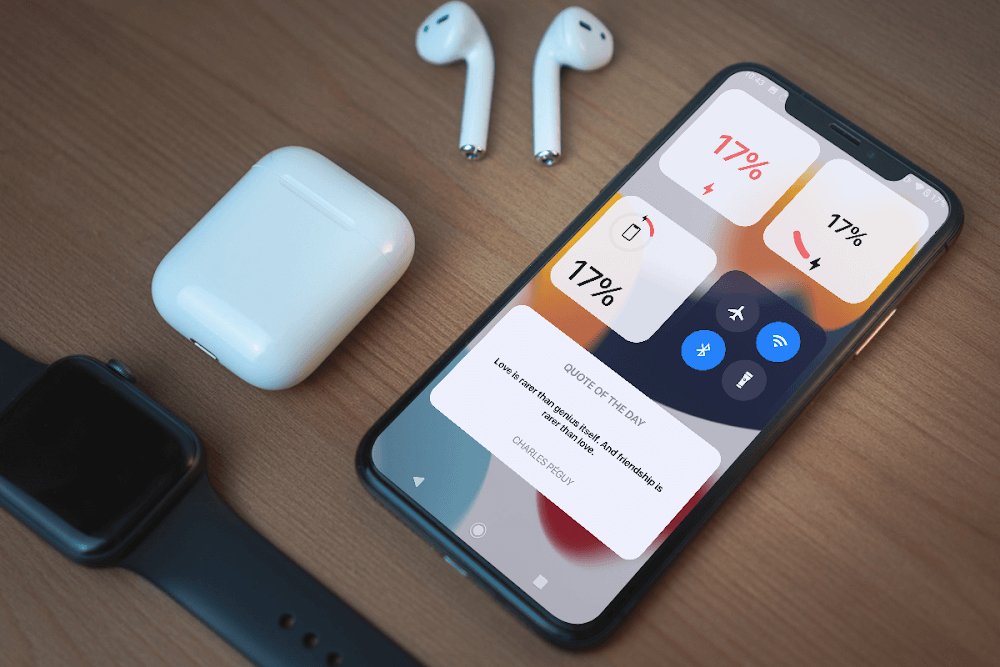
MODIFY YOUR CLOCK AND BATTERY DISPLAY FOR A FRESH EXPERIENCE
Once the application is downloaded and installed, your Android phone's interface begins to evolve. You can access basic features and a fresh interface resembling that of an iPhone. Your clock transforms into an iOS clock, visible on the screen whenever you unlock your phone. Moreover, users can effortlessly adjust the clock from the lock screen, similar to an iPhone. Additionally, icons such as the battery are replaced with iOS-specific icons, akin to those on iOS devices, enhancing the overall experience.
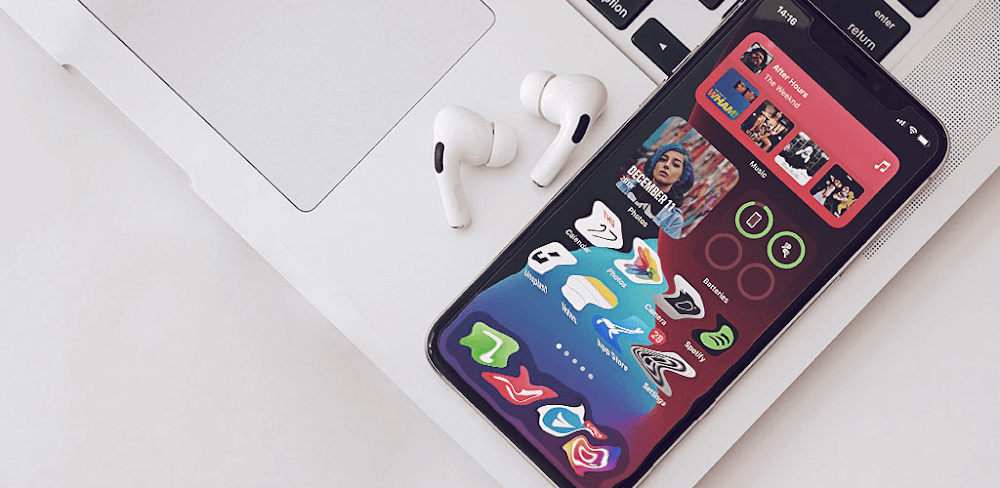
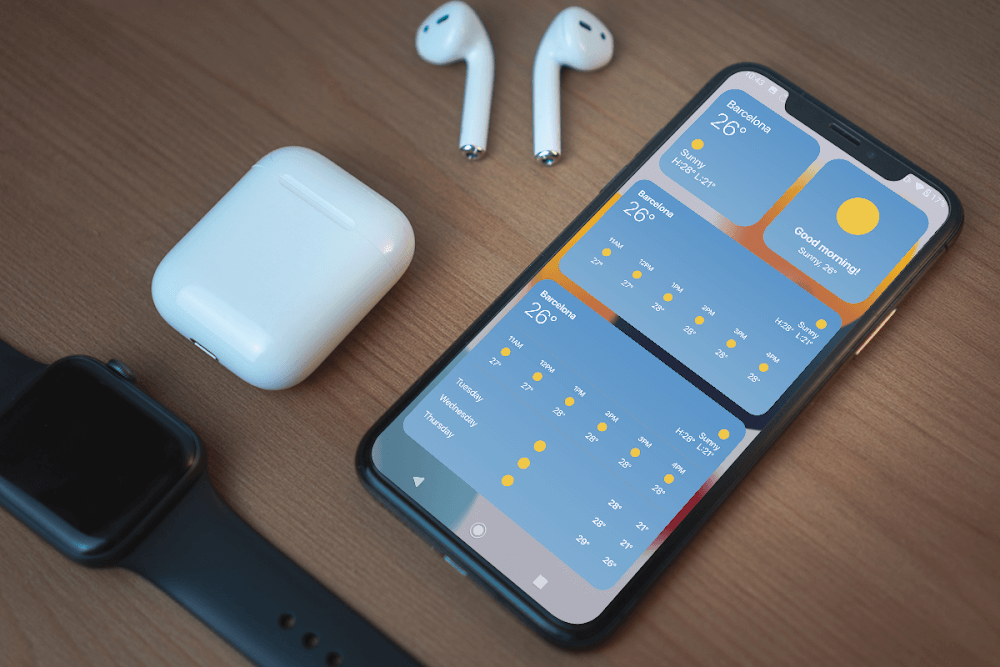
UTILIZE THE CALENDAR AND WEATHER SYSTEM IN AN IPHONE-LIKE FASHION
Beyond the clock and battery, users can seamlessly access iPhone-style weather and calendar functionalities. These features transform your calendar and weather applications to closely resemble those on an iPhone. The calendar showcases the day, month, weekday, and additional information. The iPhone's calendar system can be checked and viewed with minimal effort. You can annotate each day or time frame, simplifying the tracking process. Furthermore, the weather, calendar, and clock are conveniently displayed on the main menu of the phone.
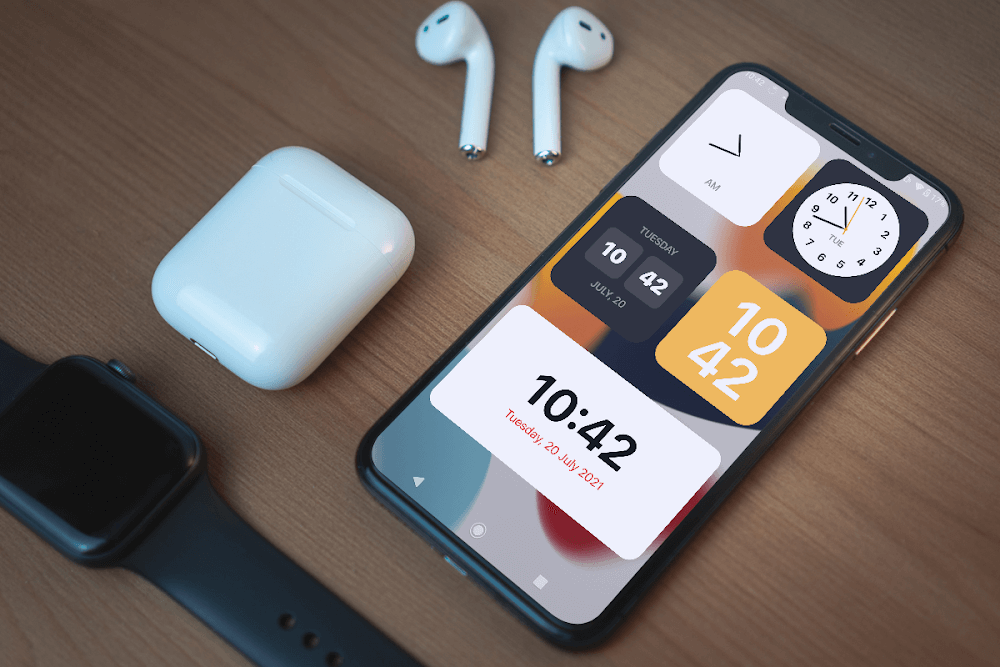
ACCESS A VERSATILE TOOLBAR WITH MULTIPLE FUNCTIONS
The smart toolbar is a distinctive feature found in the latest iPhone models. By simply switching the phone interface, iOS Widgets grants you access to the toolbar's complete array of features. Consequently, you can enjoy the iPhone-like toolbar experience with ease. This toolbar includes features such as WiFi, mobile data, Bluetooth, and numerous other practical functions, allowing you to manage them intelligently and arrange shortcuts swiftly.
ALTER THE LOOK AND FUNCTIONALITY OF YOUR CONTACTS FOR BETTER MANAGEMENT
With the help of widgets, your contacts can be customized to resemble those on Android smartphones. You will have a directory with primary categories neatly organized below. This directory includes a favorites section, enabling you to bookmark essential phone numbers and contacts. The subsequent screen displays the call history, allowing you to review recent, missed, or made calls. You can search for contacts stored on the device using the contacts section and dial numbers using the numeric keypad.
Mod Features
App Information
| App Name | iOS Widgets |
| Package Name | com.dci.dev.ioswidgets |
| Version | v4.1.0 |
| Last Updated | Mar 18, 2026, 05:22 PM |
| File Size | 40 MB |
| Publisher | Dita Cristian Ionut |
| Root Required | No |
Installation Guide
- 1. Download the APK file from the download button below.
- 2. If you have the original app installed, uninstall it first.
- 3. Go to Settings > Security and enable "Install from unknown sources".
- 4. Open the downloaded APK file and tap "Install".
- 5. Launch the app and enjoy all premium features for free.
Available Versions
Similar Apps You Might Like


